 Scan Vault
Nothing leaves your phone
Scanning, text recognition, compressing and password protection all run on the device. Turn on aeroplane mode and they still work.
Document scanner for Android
Scan Vault scans documents to PDF, reads the text on every page so you can search it, and compresses, signs and protects your files — all on the device. No account, no upload, no cloud.
Android · Coming soon to Google Play
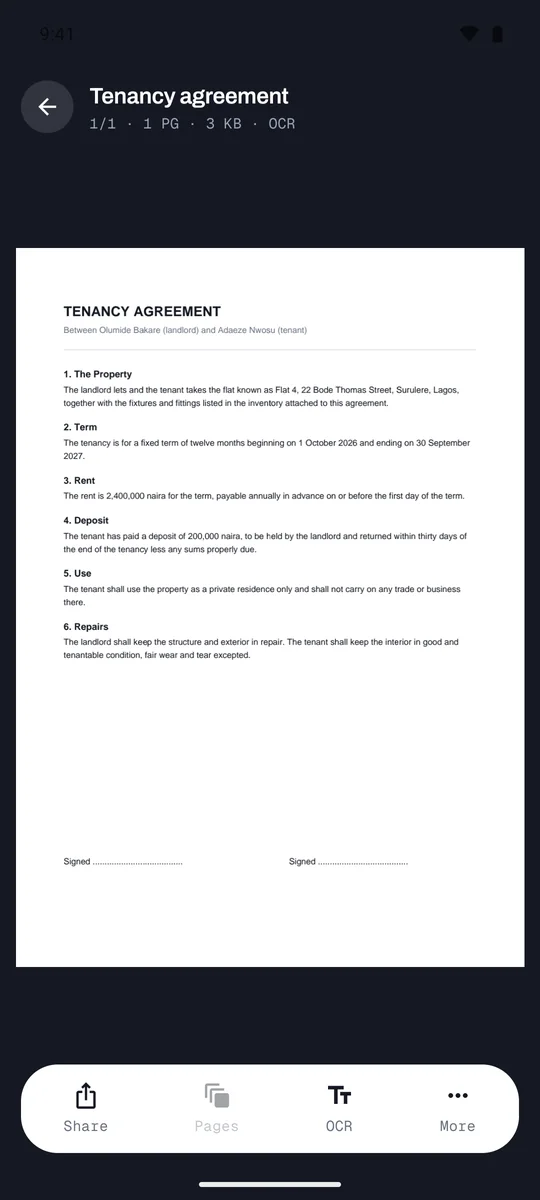
Scanning, text recognition, compressing and password protection all run on the device. Turn on aeroplane mode and they still work.
There is nothing to sign up for. Files come in through Android's own picker, so the app only ever sees what you hand it.
Pages are processed one at a time, so a forty-page scan does not run a 3 GB phone out of memory.
Text recognition
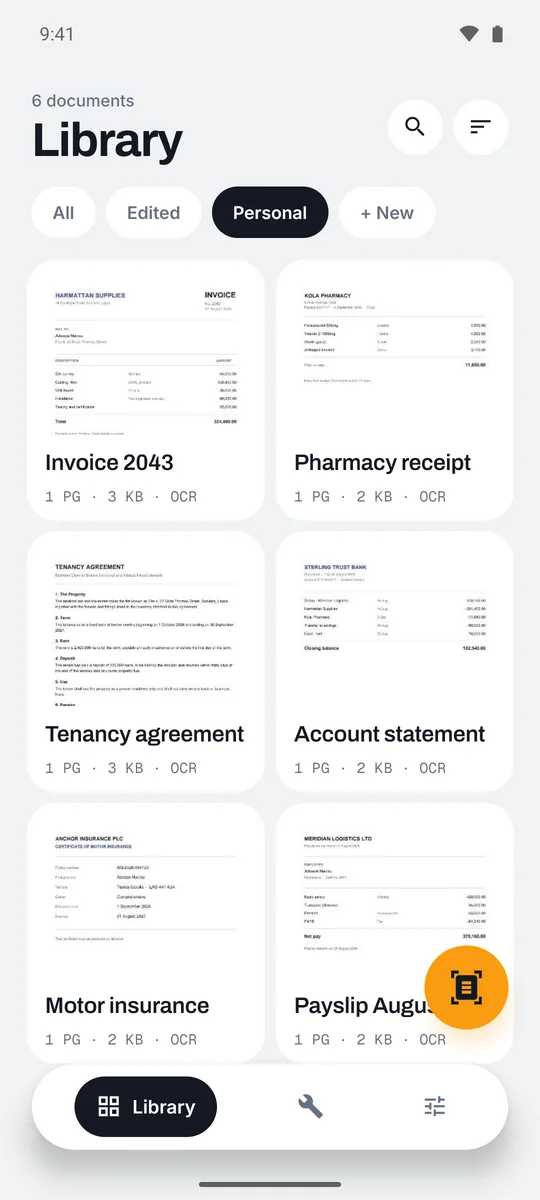
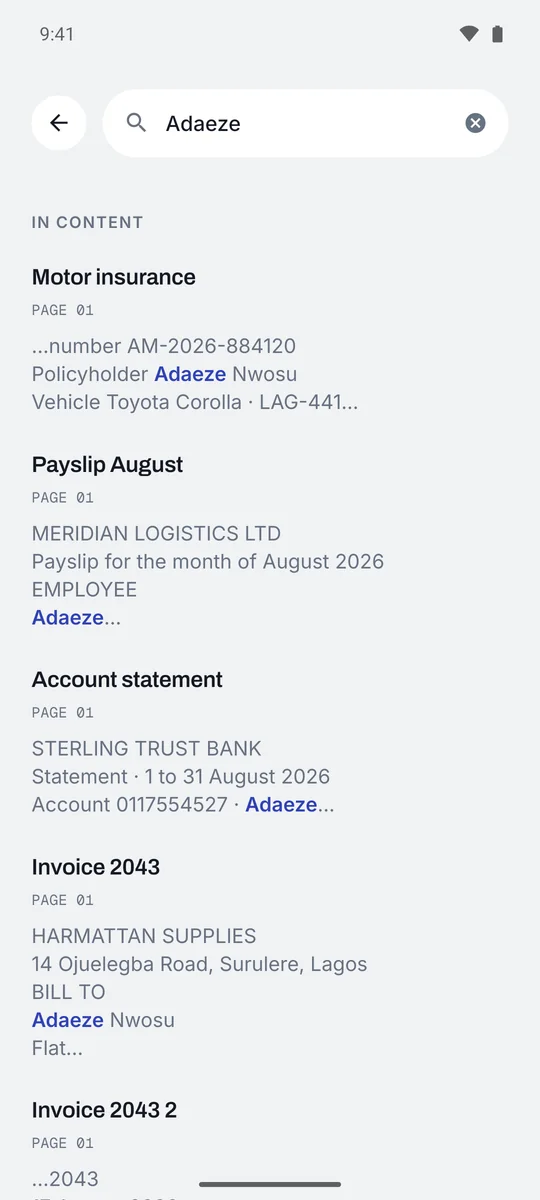
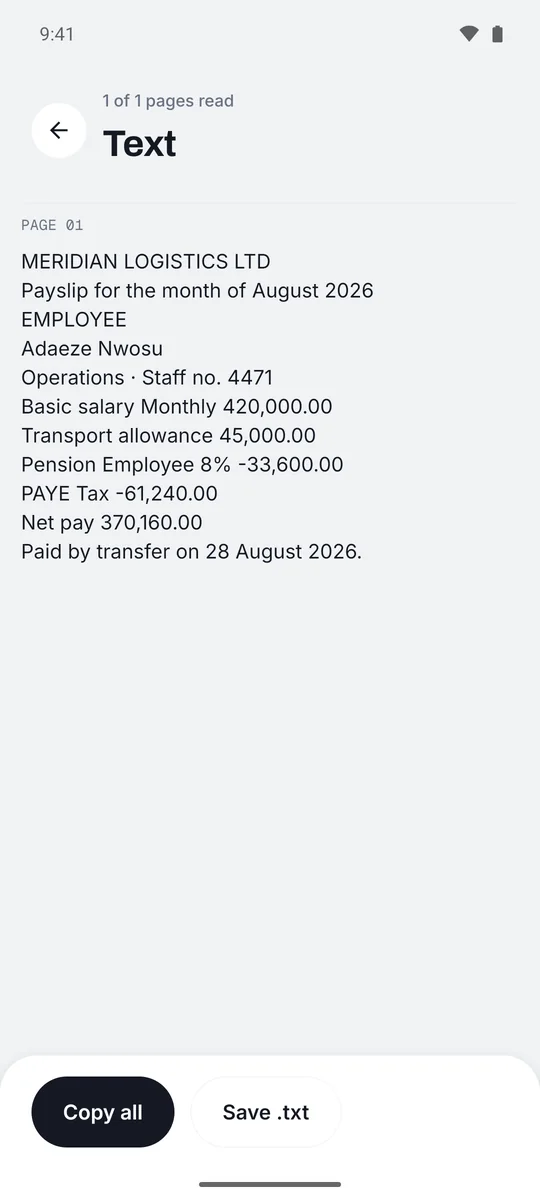
Every page is read the moment it arrives — scans, photos and imported PDFs alike — so you can search your whole library for a name, an amount or a reference number.
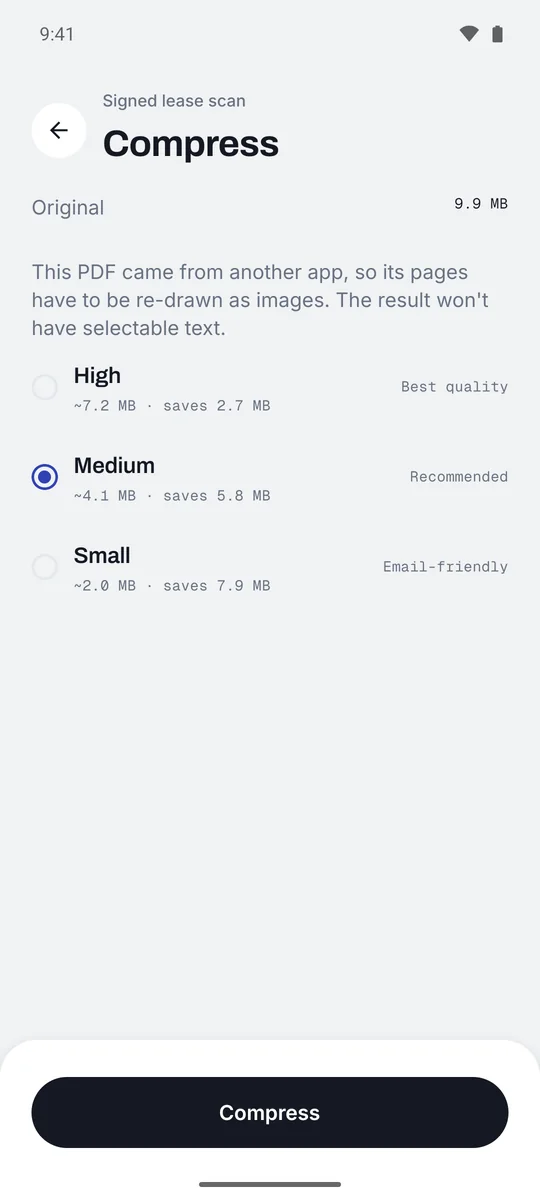
Compress
Each quality is measured on pages from across your document, so the estimate is what you actually get. Pages are never enlarged, a setting that would not really help is never offered, and if the result is not meaningfully smaller your original stays exactly as it was.
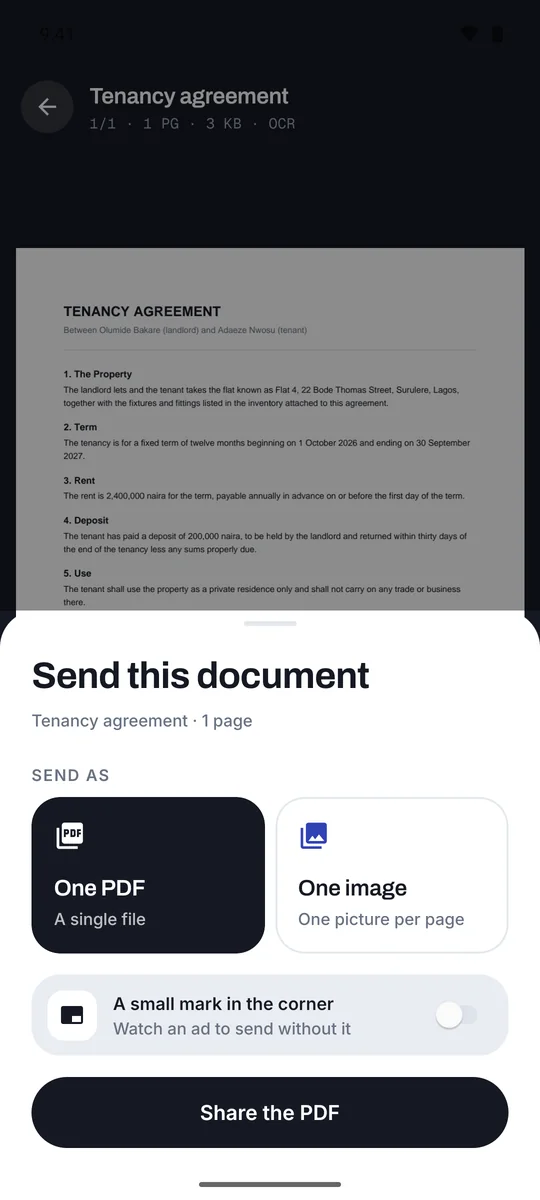
Share and save
Send a document to any app, or save it to a folder you choose. It arrives named after your document, not a string of numbers.
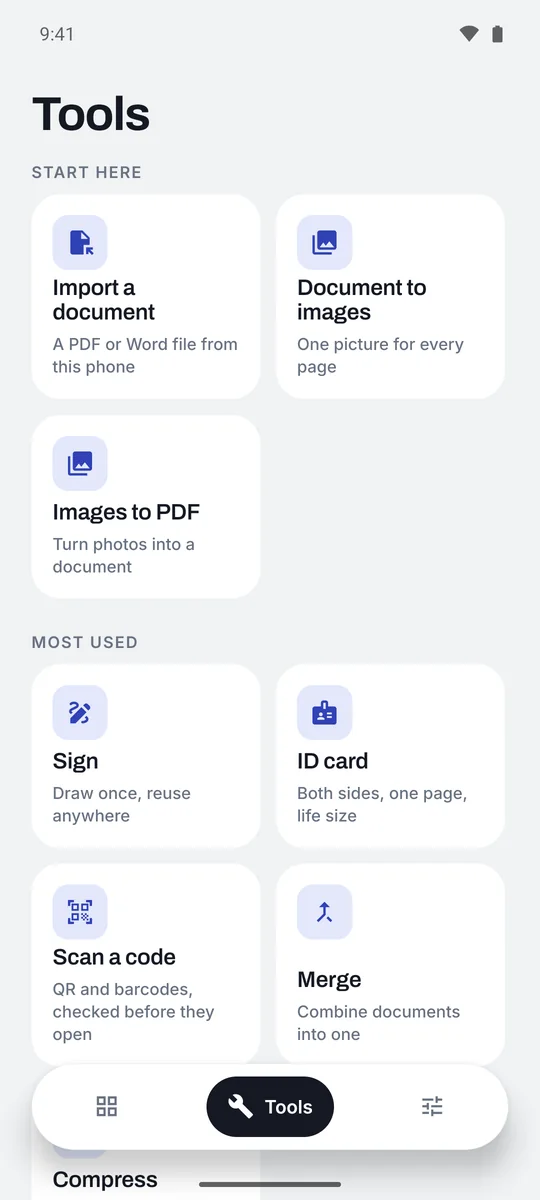
Tools
Sign with a signature you draw once. Put both sides of an ID card on one page at life size. Merge, split, watermark, add a password, or turn a scan into a PDF whose text you can select.
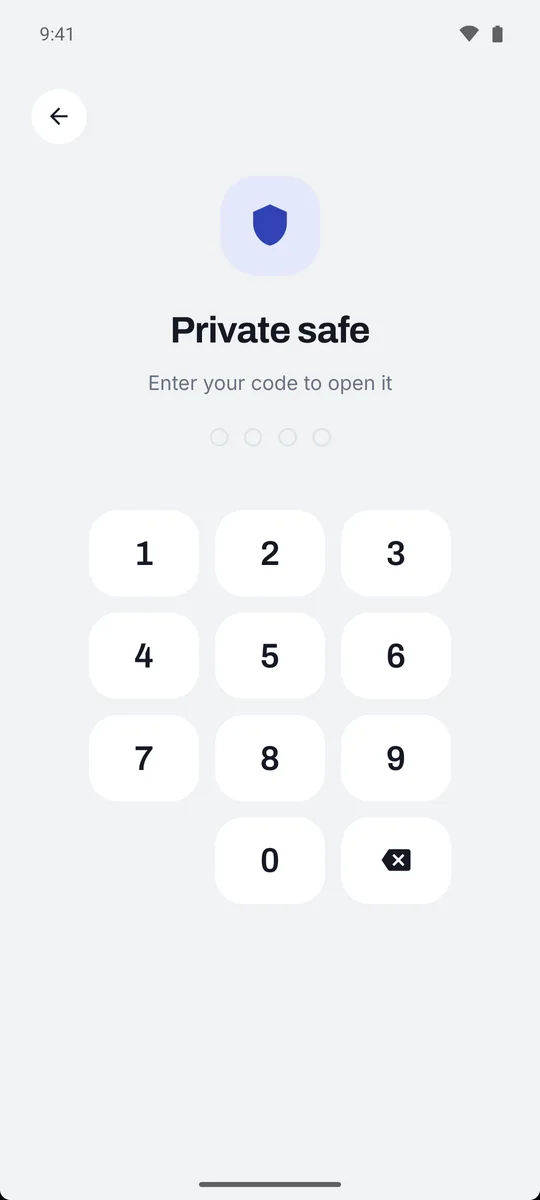
Private safe · Pro
One code — and your fingerprint or face — for everything you move into it. Documents in the safe disappear from your library, your search results and the recycle bin until you unlock it.
Import review
Files you pick wait on a review screen first, so the wrong file never reaches your library. Keep what you meant to bring in, discard the rest, and a batch arrives together.
Code scanner
Scan Vault reads QR codes and barcodes, then shows the full address and calls out lookalike links, hidden destinations and other tricks — without looking anything up online. Nothing opens until you choose, and your last 200 scans stay on the phone.
Free and Pro
Pro lifts the limits and removes the ads. Your documents are never locked behind it.
Everything you need to scan and keep documents
The same app, without limits
Monthly, 6-monthly or annual. Prices in your currency, and any free trial, are shown in the app before you pay, and you can cancel any time in Google Play.
What's new
Because nothing is uploaded, your documents exist only on this phone. Uninstalling the app, resetting the phone or losing it deletes them, and there is no copy anywhere for us to restore. Use Export every document in Settings to keep a backup of anything you would be sorry to lose.